Quake III Arena for RISC OS
This is a RISC OS port of ioquake3, the open-source engine of id Software's
Quake III Arena (1999), for the Raspberry Pi. id released the engine's source code under the GPL in 2005, and
the ioquake3 project has kept it up to date since. I did the port with the help of Claude AI.
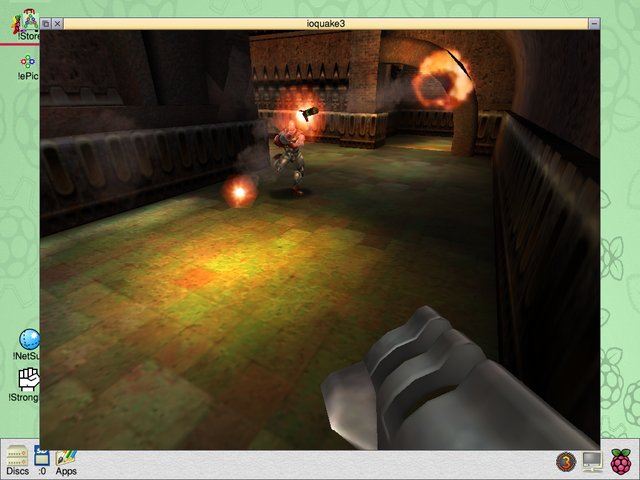
On a Raspberry Pi 4 with RISC3D, Andy Youll's 3D driver for
RISC OS, it's drawn by the Pi's GPU at the full size of the screen, with Quake's lighting and smooth textures.
Without RISC3D, on a Pi 2 or 3 for instance, the processor draws it at a lower resolution, which the Pi's
display hardware scales up to fill the screen.
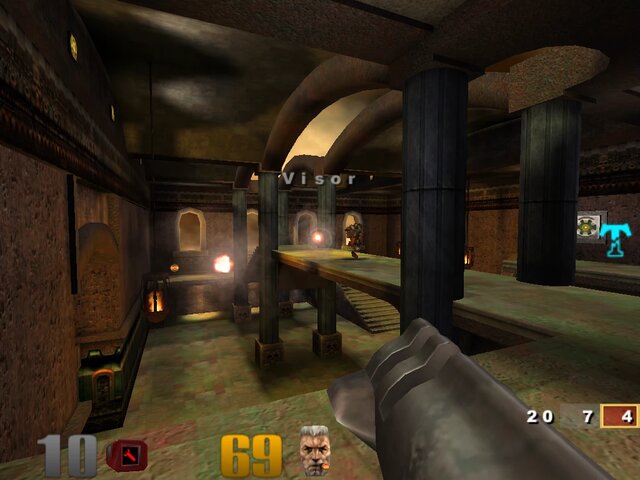
A bot match on a Raspberry Pi 4, drawn by its GPU through RISC3D.
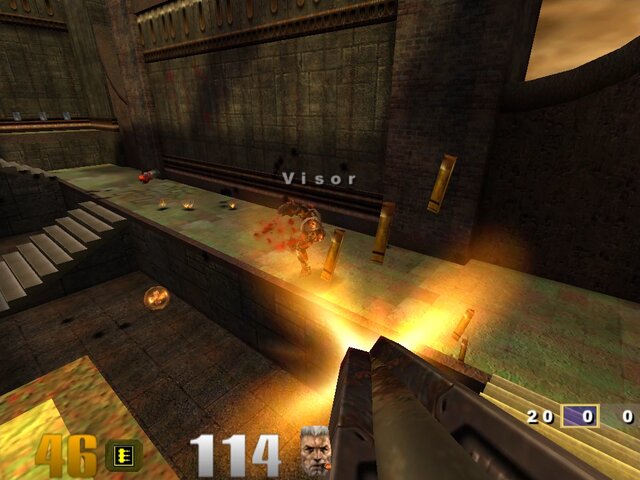
Machine gun fire in q3dm7 on a Pi 4.
It has:
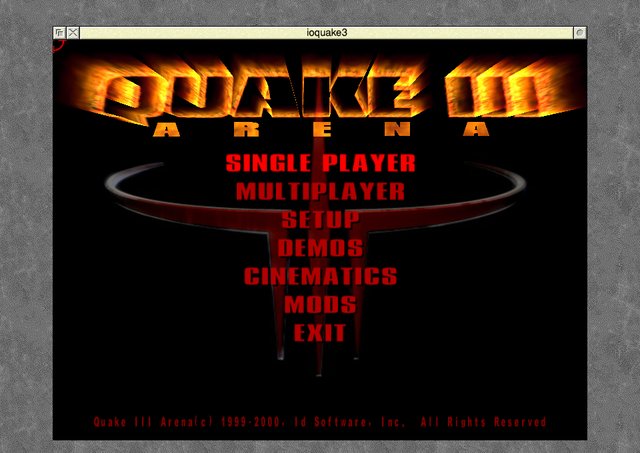
- the game's own menus, single player against bots, and multiplayer on your local network or the internet
- full screen at the desktop's resolution, or in a window on the desktop
- mouse look and Quake's usual keys, which you can change in Setup
- sound, through SharedSoundBuffer or DigitalRenderer
- an icon on the icon bar, with a menu for Info, Help and Quit
The game data isn't included. Without any, it offers to download id's free Quake III Arena demo for you,
and if you've bought the full game from Steam or GOG you can copy its files across.
See getting the game data below.
If you find a bug, please let me know through the contact form or by raising an issue on
GitHub.
Installing with PackMan
The best way to install it is with PackMan, RISC OS's package manager, as it will then
tell you about new versions and install them for you, keeping your game data and settings.
- Open PackMan's Choices and go to Sources.
- Add this source: https://davidsharp.com/riscos/pkg
- For the GPU on a Pi 4, also add Andy Youll's source, which has RISC3D, his 3D driver:
https://adyoull.github.io/riscos-packages/pkg/index
- Update PackMan's lists, then install ioquake3 from the Games section.
PackMan puts it in Apps.Games, and installs the modules it needs.
PackMan won't install over files it didn't put there itself, so if you already have !ioquake3 from a zip,
move it out of Apps.Games first; its game folders (demoq3 or baseq3) can then go into the new copy.
Or download it:
Download  8.8 Mb Zip Archive, version 0.2.1
Also on the GitHub releases page.
Requirements
- A Raspberry Pi 2, 3 or 4 with RISC OS 5 (tested on 5.30). A Pi 4 is best.
- For the GPU: RISC3D 0.22 or later on a Pi 4. PackMan suggests it and installs it from Andy Youll's source (above).
To do it by hand, copy !RISC3D from its releases page
into !Boot.Resources and restart. It also uses the Mac's GPU in the RoMac emulator.
- SharedUnixLibrary 1.16 or later and ARMEABISupport 1.03 or later in !System.
They come with RISC OS 5, and PackMan installs them if they're missing.
- About 80 MB of disc space for the demo, or about 500 MB for the full game.
On a Pi 4 with RISC3D, a bot match runs at about 70 frames a second in a 1024x768 window
and about 45 full screen at 1680x1050. Without RISC3D it draws in software, at a lower resolution:
playable on a Pi 4, and slower on a Pi 2 or 3.
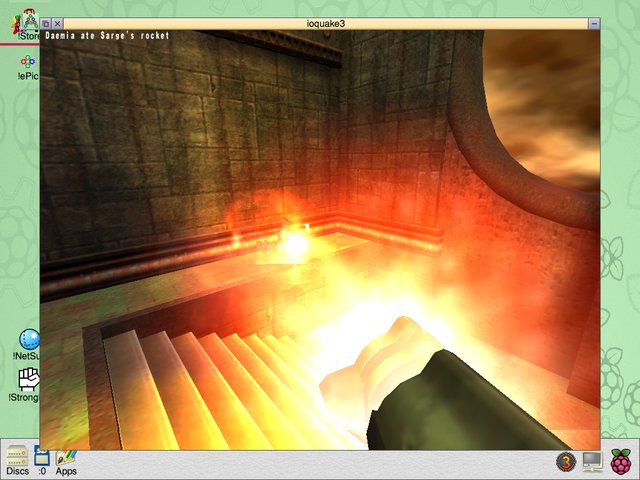
A rocket explosion in q3dm7 on a Pi 4.
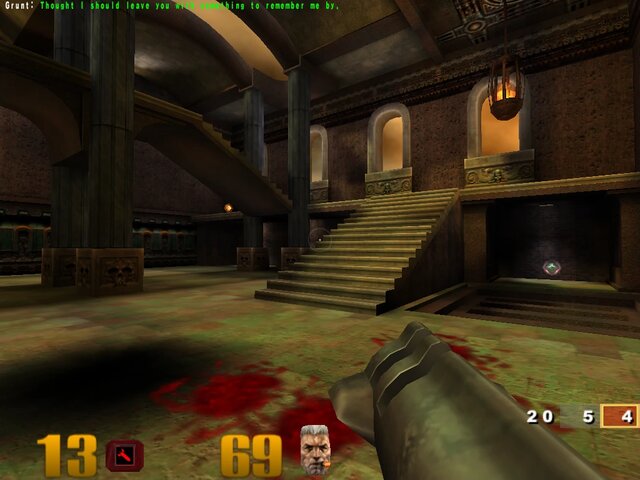
The hall in q3dm7 on a Pi 4.
Pillars and a walkway in q3dm7 on a Pi 4.
Getting the game data
The free demo
Double-click !ioquake3 with no game data and it offers to download id's Quake III Arena demo (four maps, with bots).
It fetches id's own Linux demo installer (49 MB) from a mirror of id's FTP site, checks it, shows you id's licence
and installs the demo's data only if you accept it, and then starts the game. It needs about 100 MB of free space while it works.
The full game
Quake III Arena is still sold by Steam and GOG (ioquake3.org/buy has the links).
Install it on a PC or Mac, then:
- Find the game's baseq3 folder. With Steam, right-click the game and choose Manage, then Browse local files.
- Open !ioquake3 (Shift and double-click it) and make a folder called baseq3 in it.
- Copy pak0.pk3 to pak8.pk3 into it, over the network or on a USB stick. On RISC OS they show as pak0/pk3 and so on, which is right.
- Copy q3key from the same folder too, or the game asks for a CD key each time it starts (press Escape to skip that).
- Double-click !ioquake3: it now starts the full game.
If your copy is from a CD and has only pak0.pk3, get pak1 to pak8 free from
ioquake3.org.
OpenArena, a free game for the same engine, works too: !Help says how.
The full game from Steam, in a window on the desktop (RoMac).
Source code and bug reports
The port is free software under the GPL (version 2), and the full source code is on GitHub:
ioquake3 for RISC OS.
If something doesn't work, please raise an issue
or use the contact form. !Help says which log files to send.
Thanks must go to id Software for releasing the source code, to the ioquake3 developers,
to Andy Youll for RISC3D and riscos-mesa, and to the GCCSDK project for UnixLib and SDL.
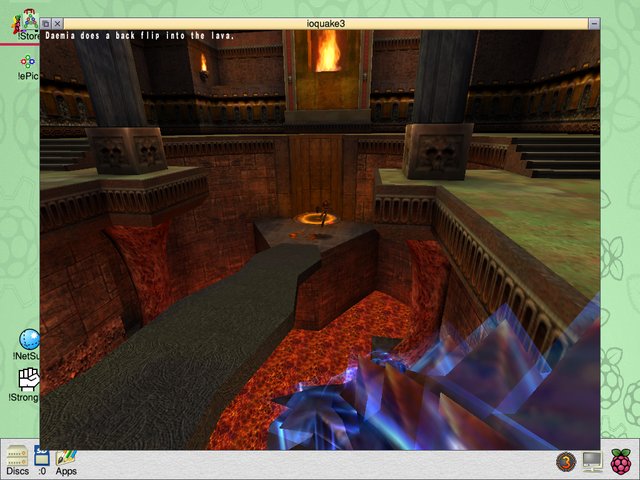
The lava pit in q3dm7 on a Pi 4.
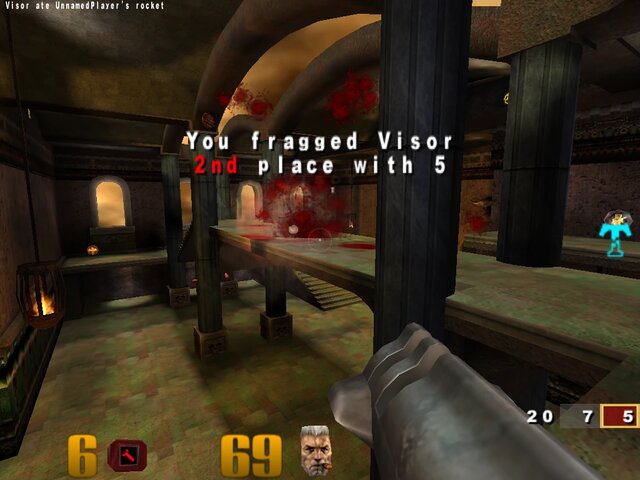
A frag in q3dm7 on a Pi 4.
Quake and Quake III Arena are trademarks or registered trademarks of id Software LLC, a ZeniMax Media company.
This port is an unofficial, non-commercial hobby project. It is not made, affiliated with, endorsed or supported by
id Software, so please don't contact them about any problems with it.
Only the program code, which is under the GPL, is distributed here. The game data isn't included and remains
the property of id Software; the free demo is downloaded from a mirror of id's own FTP site, under id's licence.
RISC OS, Raspberry Pi and any other trademarks mentioned belong to their respective owners.